


Check Your Gauge
Field Check Procedure Configure the Gauge Press Mode until the display shows pressure (Pa) on both channels (PrA & PrB). Turn Auto Zero off to stabilize readings during the test.…
Field Check Procedure Configure the Gauge Press Mode until the display shows pressure (Pa) on both channels (PrA & PrB). Turn Auto Zero off to stabilize readings during the test.…

What You’ll Need DM‑2 digital gauge (with full battery or USB power) DucTester fan (Model 200) Umbilical cable (pressure tubes + speed-control cable) Flex duct and register flange Connecting to the…
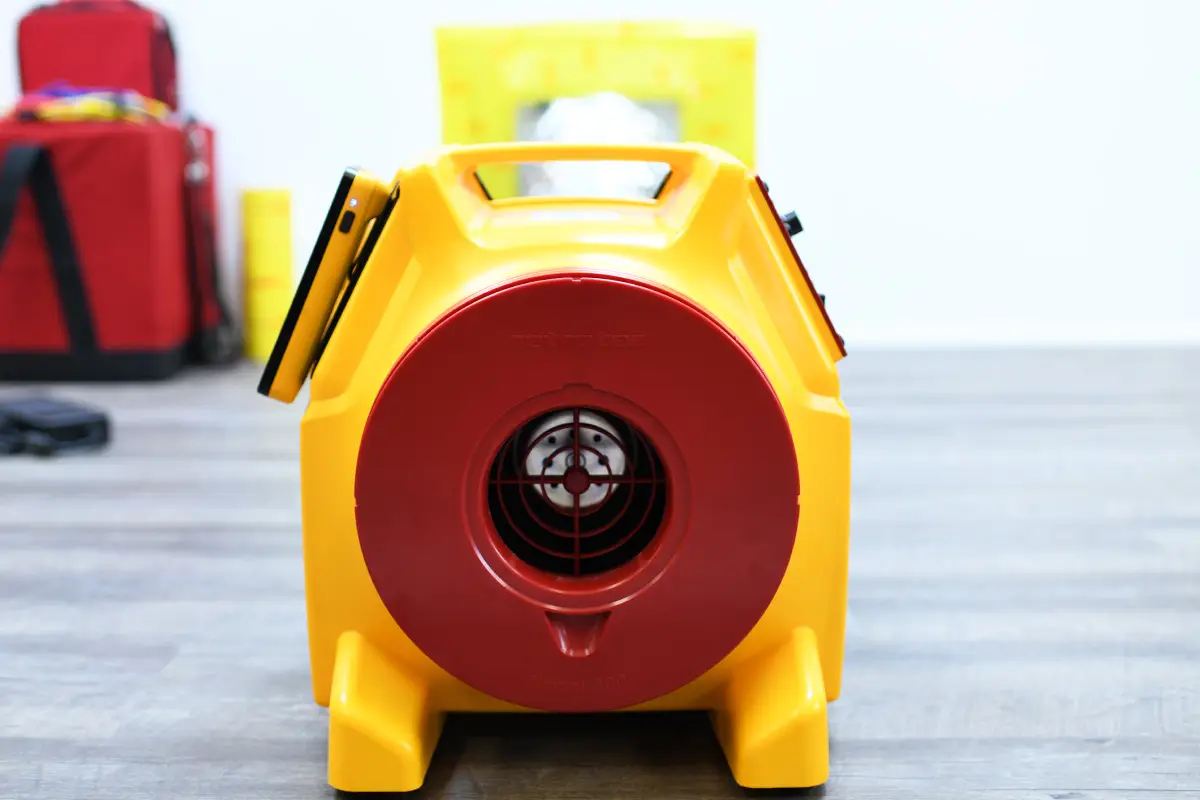
When to Perform the Check Every time you use a new DucTester unit Monthly if used frequently Or after approximately 20 tests Required Equipment DucTester fan Digital gauge (e.g., DM‑2…
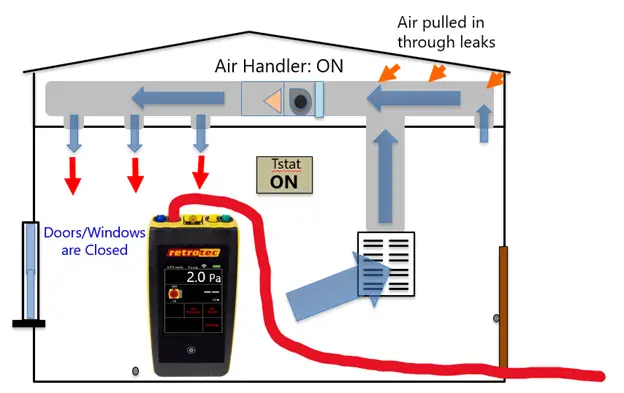
Step-by-Step Procedure Set Up Blower Door Install the blower door in an exterior doorway and depressurize the house to –25 Pa relative to outside. Connect Duct Tester Attach the DucTester fan…
Why Correct Device and Range Matter Your digital gauge (e.g., DM‑32 or DM‑2) must be configured to match: The connected equipment (e.g., blower door fan or DucTester model) The installed…
Why Use @Pressure Jogging? Normally, you’d wait for the gauge to hit your exact pressure (say, 50 Pa) before recording airflow. But in leaky buildings or low-flow situations, that’s not always…
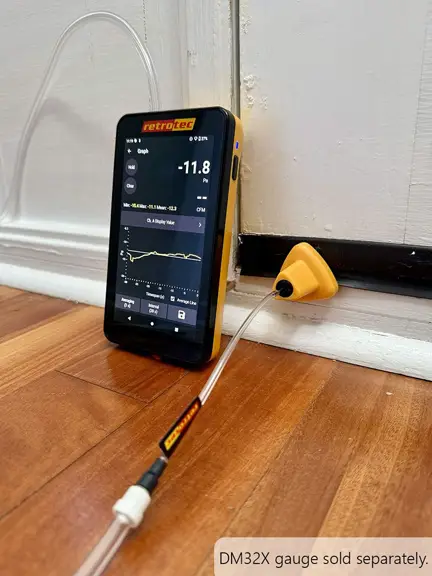
Method Overview: One-Gauge Pressurization Unlike dual-gauge methods, this technique requires the tester to manually alternately measure house pressure and duct pressure with a single gauge: Set Up Equipment Connect the…
How to Perform the Test Prepare for Depressurization Connect the flex-duct flange to the duct inlet. Ensure all supply and return registers are properly sealed with grill mask. Configure the…
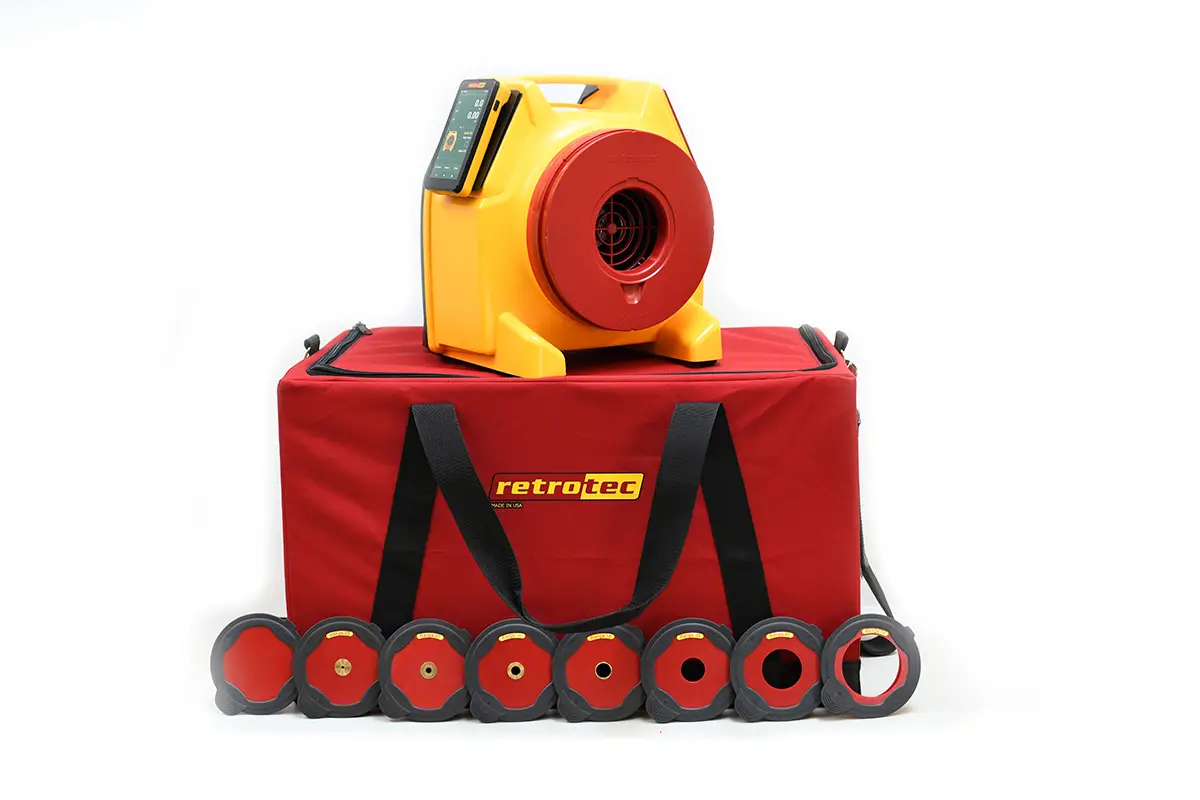
What Are Range Rings & Plates? Range rings (or plates) are restrictive attachments placed on the blower-door fan inlet. They narrow the airflow, increasing fan pressure, which improves measurement precision—especially…