

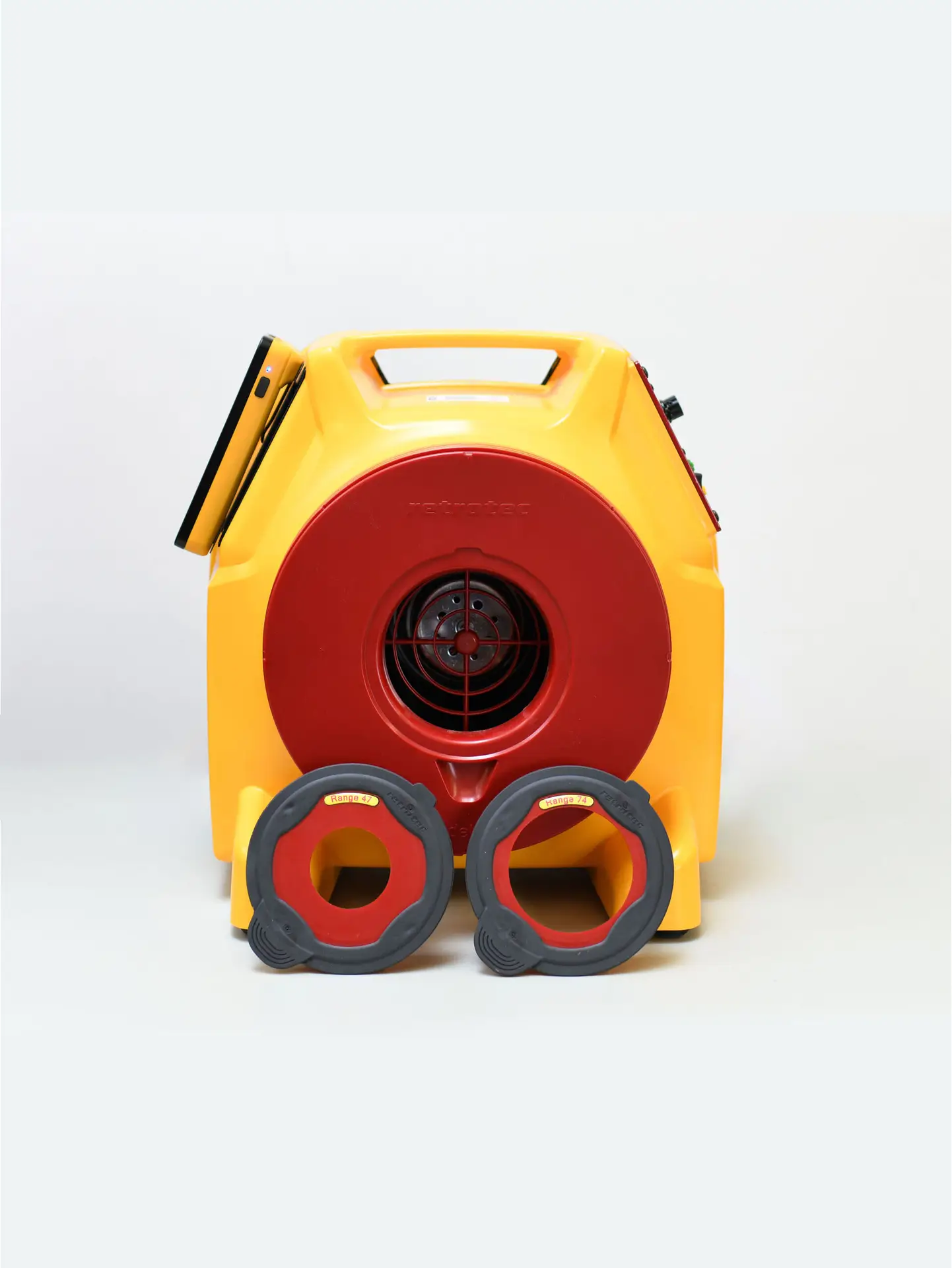
Equipment Overview
Model 340 DucTester: A compact and powerful duct testing fan designed for both total leakage and leakage to outdoors testing.
DM32 WiFi Gauge: A digital touchscreen manometer with built-in WiFi connectivity, allowing wireless control and data capture during testing.
This combination allows users to perform high-quality tests without needing direct wired connections between devices.
Setup and Connection
Connect the fan to the duct system via a sealed return or supply plenum.
Use flexible tubing to connect the pressure ports between the fan, gauge, and duct system.
Power on the DM32 and ensure WiFi connectivity for remote viewing or logging via Virtual Gauge or compatible software.
Clear step-by-step instructions in the video make the setup process simple, even for new users.
Performing the Test
The DM32 is configured to display duct pressure and flow (CFM) values.
Adjust the fan speed using the touchscreen until the target pressure (typically 25 Pascals) is reached.
The gauge will display leakage rates, which can be recorded for compliance with local codes or certification programs like ENERGY STAR or RESNET.
Optional software like FanTestic or rCloud can log and report data automatically.
Wireless Control and Data Logging
The WiFi functionality of the DM32 enables:
Real-time monitoring on tablets, phones, or laptops
Easy data capture for reporting
Wireless troubleshooting and adjustments on-site
This wireless capability increases flexibility and reduces setup complexity, especially in tight or remote areas.





