


Connect the flex-duct flange to the duct inlet.
Ensure all supply and return registers are properly sealed with grill mask.
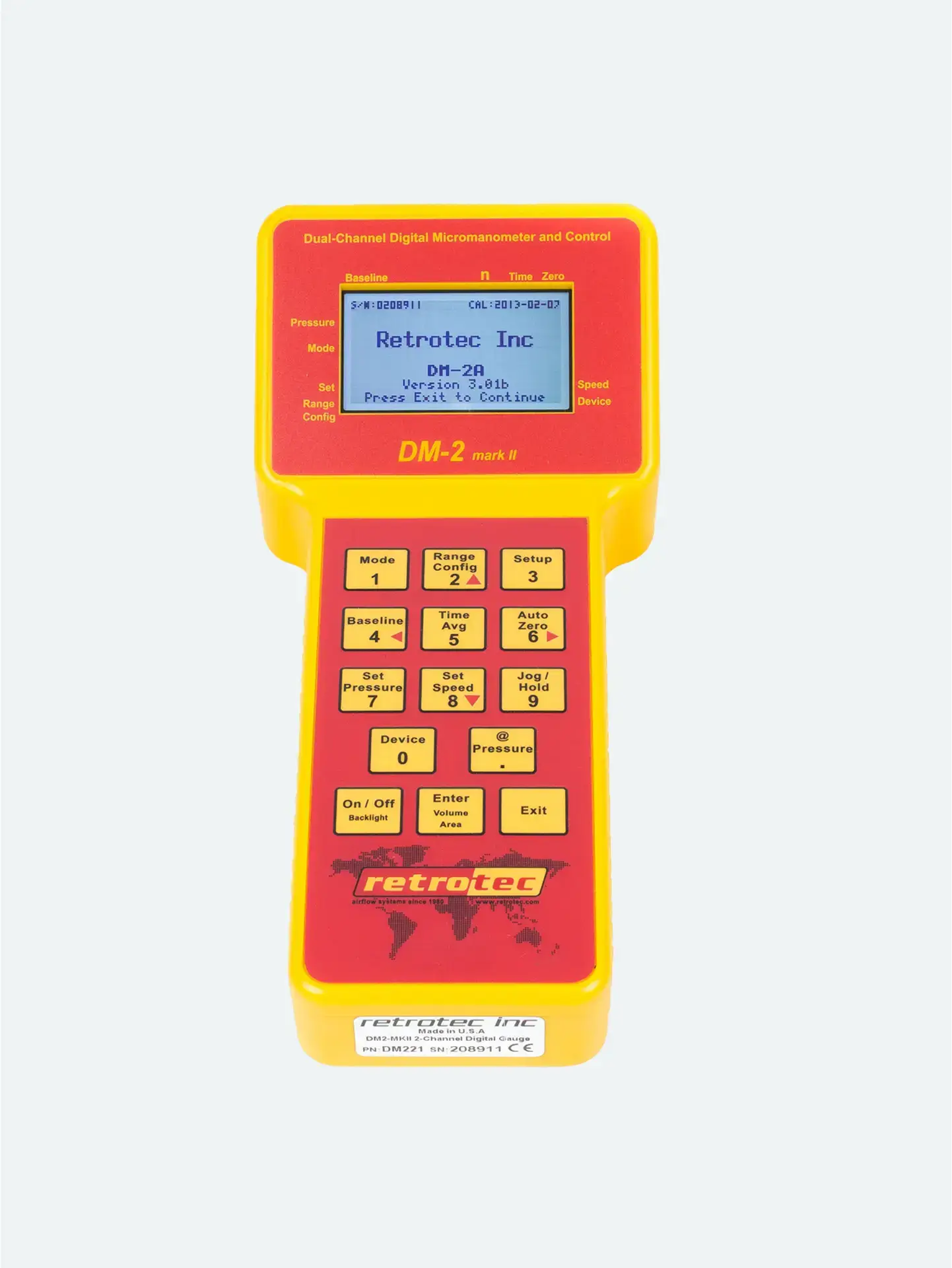
On the DM‑2 gauge, set time averaging to ~10 s.
Set the range configuration (Mid or Low) to match duct flow.
Ensure auto-zero is enabled, and the display shows the desired pressure units (e.g., CFM@25 Pa).
Maintain the set pressure until readings stabilize (typically 20–60 s depending on conditions).
Record the airflow reading (e.g., CFM@25 Pa) from Channel B.
If the target pressure isn’t reached at full speed:
Confirm all registers are sealed.
Try a less restrictive range (Open).
If Channel B shows “TOO LOW”:
The flow is insufficient for the current range—install a more restrictive plate and adjust again ([turn0search3]).
If fan speed isn’t responding:
Check power connection.
Ensure the speed cable is fully disconnected or reconnected according to test setup.
Manual mode offers a reliable backup method when automatic control fails or is unavailable.
Proper pressure control by knob ensures meaningful, repeatable data even without software.
Flexibility—this mode supports nearly all rapid residential duct leakage testing protocols.




