


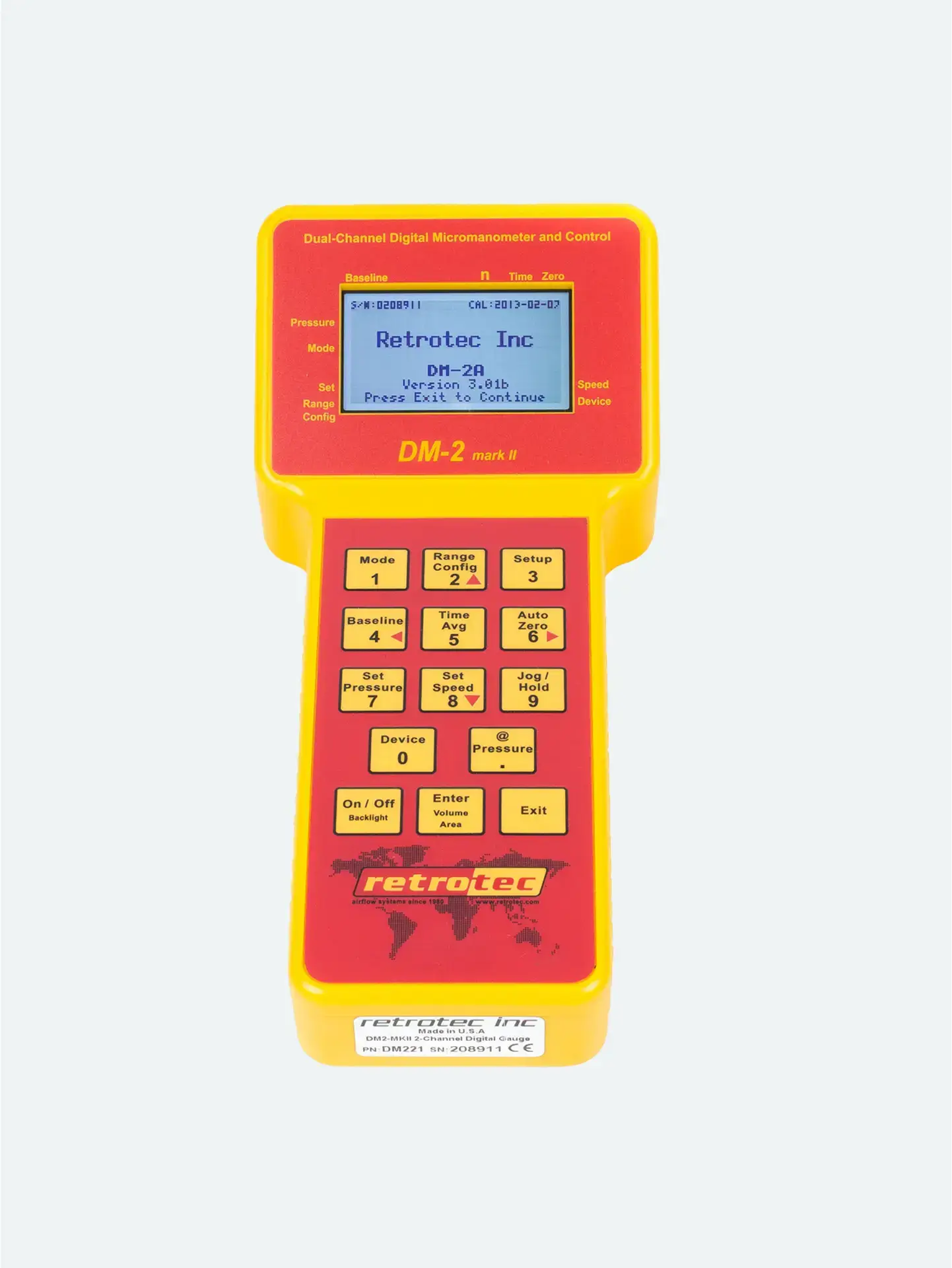
Take the umbilical, which bundles yellow, green, and blue pressure tubes plus the CAT-5 speed-control cable.
Plug tubes into color-coded ports on the DM‑2:
Yellow → Ref B (–)
Green → Input B (+)
Blue → Input A (duct register pressure)
Place the DM‑2 into its clear sleeve within the kit case.
Fasten the umbilical cable with the Velcro strap to minimize strain and avoid accidental disconnections.
Ensures proper pressure-channel mapping, critical for accurate house and duct pressure readings.
A charged gauge prevents mid-test power loss and unstable readings.
A secured umbilical ensures reliable electrical and airflow measurements throughout testing.
| Task |
|---|
| All components unpacked? |
| DM‑2 charged and powered on? |
| Yellow, green, blue tubes connected? |
| Umbilical secured to case? |




