


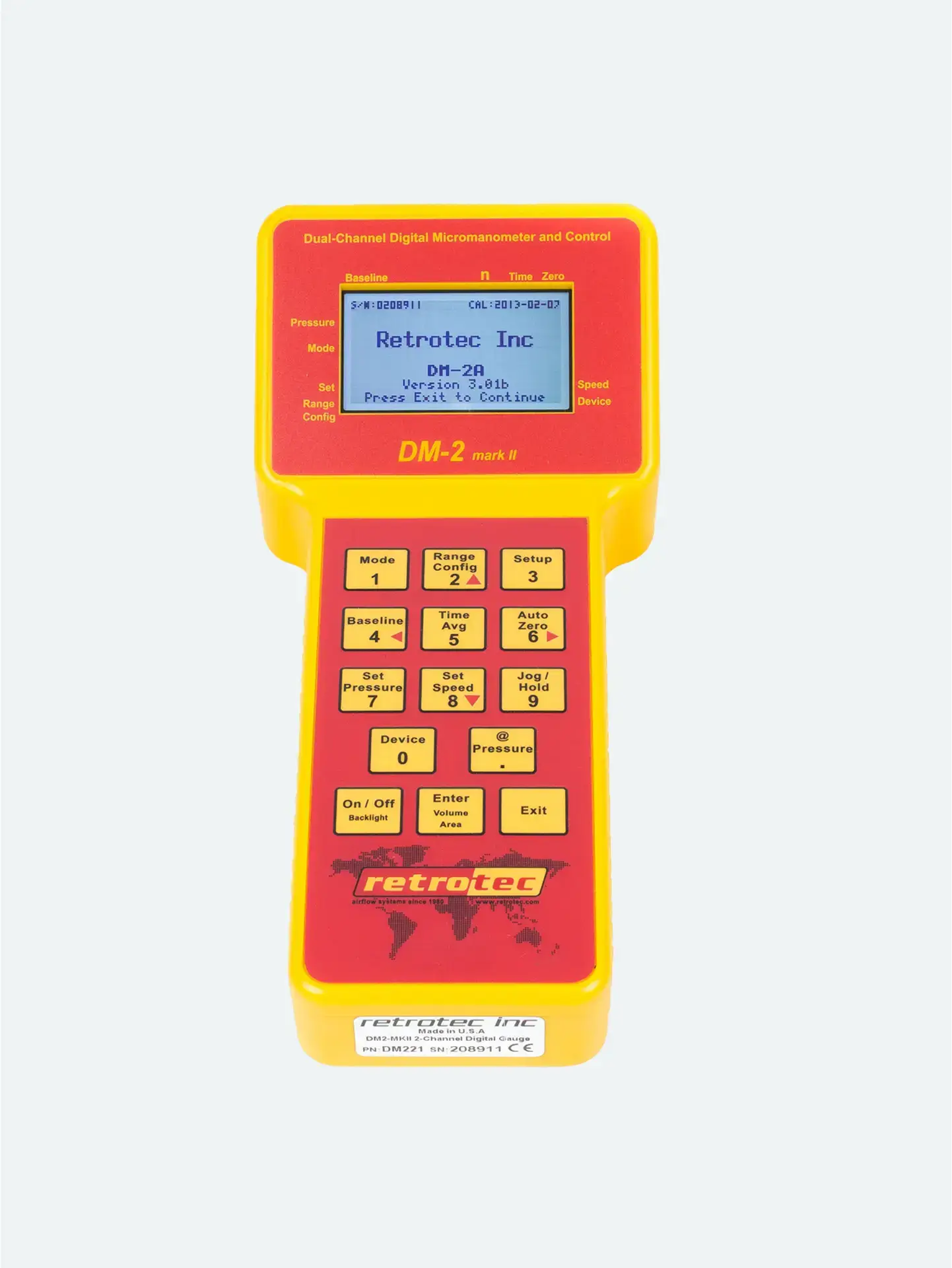
You’ve reached the target pressure (e.g., 25 Pa), but the gauge shows no flow data.
Fan pressure is too low to push air through the current range plate—the gauge can’t register flow.
Add a more restrictive range plate (smaller hole).
Match the gauge’s selected range to the installed plate on the fan.
Re-adjust fan speed to achieve the test pressure.
You’re at 100% fan speed, but still below test pressure.
Too much restriction — not enough airflow to build pressure.
Remove a range plate or shift to a less restrictive option (larger hole).
Update the gauge’s range setting to match.
Ensure all ducts and registers are properly sealed—leaks can prevent pressure buildup.
If necessary, you can use the @ Pressure key—activating extrapolation to estimate flow at the desired pressure once close enough.
Press Channel B or use the Result to be displayed setting to switch between output modes (e.g., CFM, flow per square foot, equivalent leakage area/EqLA).
Enter building or duct area if required to display certain metrics like CFM/area or EqLA.
| Issue | Likely Cause | Solution |
|---|---|---|
| “–” at test pressure | Range too wide | Install smaller-hole plate; adjust gauge range; re-run test |
| Can’t reach test pressure | Range too restrictive or leaks present | Use larger-hole plate; seal all registers; update gauge range |
| Wrong result displayed | Incorrect gauge mode | Change result mode via Channel B or Settings menus |
| Just shy of pressure | Use estimation | Use @ Pressure to extrapolate flow readings |




